
ChefsPantry plans your whole week of dinners around your tastes, budget, and schedule — then builds the grocery list and sends it to your store for pickup or delivery. You just cook.
6:15 dinner, mild heat
20 min cook, kid-friendly
Uses what is already home
- 18 items grouped
- 5 pantry staples skipped
- Pickup or delivery next
Review before checkout
Decided. Delivered. Cooked.
Set it up once — about two minutes — then every week takes care of itself.
- 01
A week, not ideas
Tell us who's eating, your budget, and how your nights run. You get a realistic week of dinners — if one looks wrong, one tap swaps it.
- 02
A list, not homework
The grocery list builds itself from your plan and moves to pickup or delivery at your preferred store. You review it — no aisle wandering, no forgotten ingredients.
- 03
Dinner, not a project
Guided cook mode walks each recipe step by step — timers, checklists, portions scaled to your table. Hands full? Use your voice. 5:47 stays quiet.
This is what a decided week looks like
Swipe through selected meals, review the grocery order, and cook step by step.

Built to save you time and money
From selected dinners to grocery list — everything in one place.

Dinner runs itself
From what to cook to what to buy — every annoying dinner decision, handled automatically.
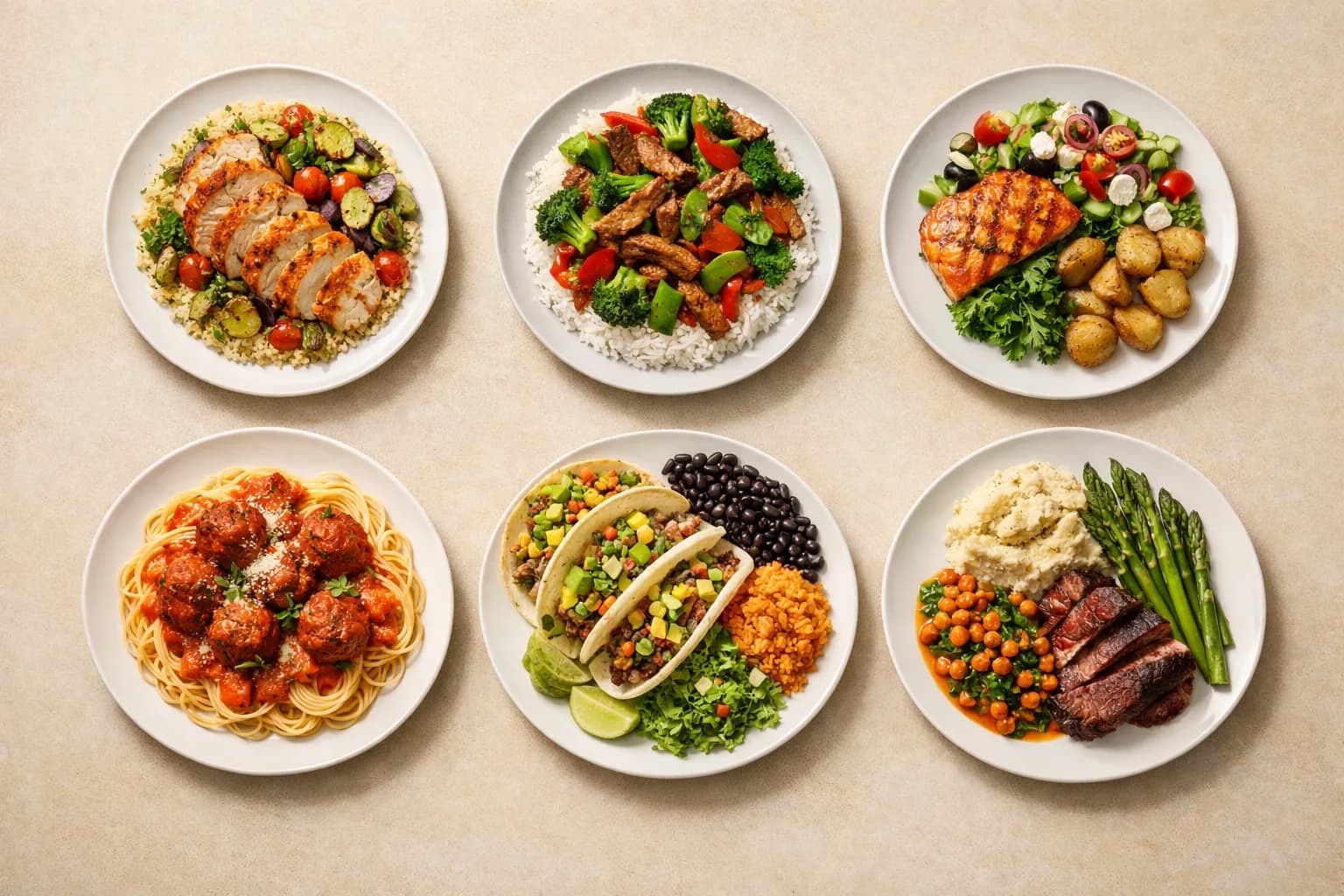
Meal Selection Runs for You
ChefsPantry picks a realistic week of dinners around your household, budget, and food rules. Don't like a meal? Swap it with one tap and the grocery list updates instantly.
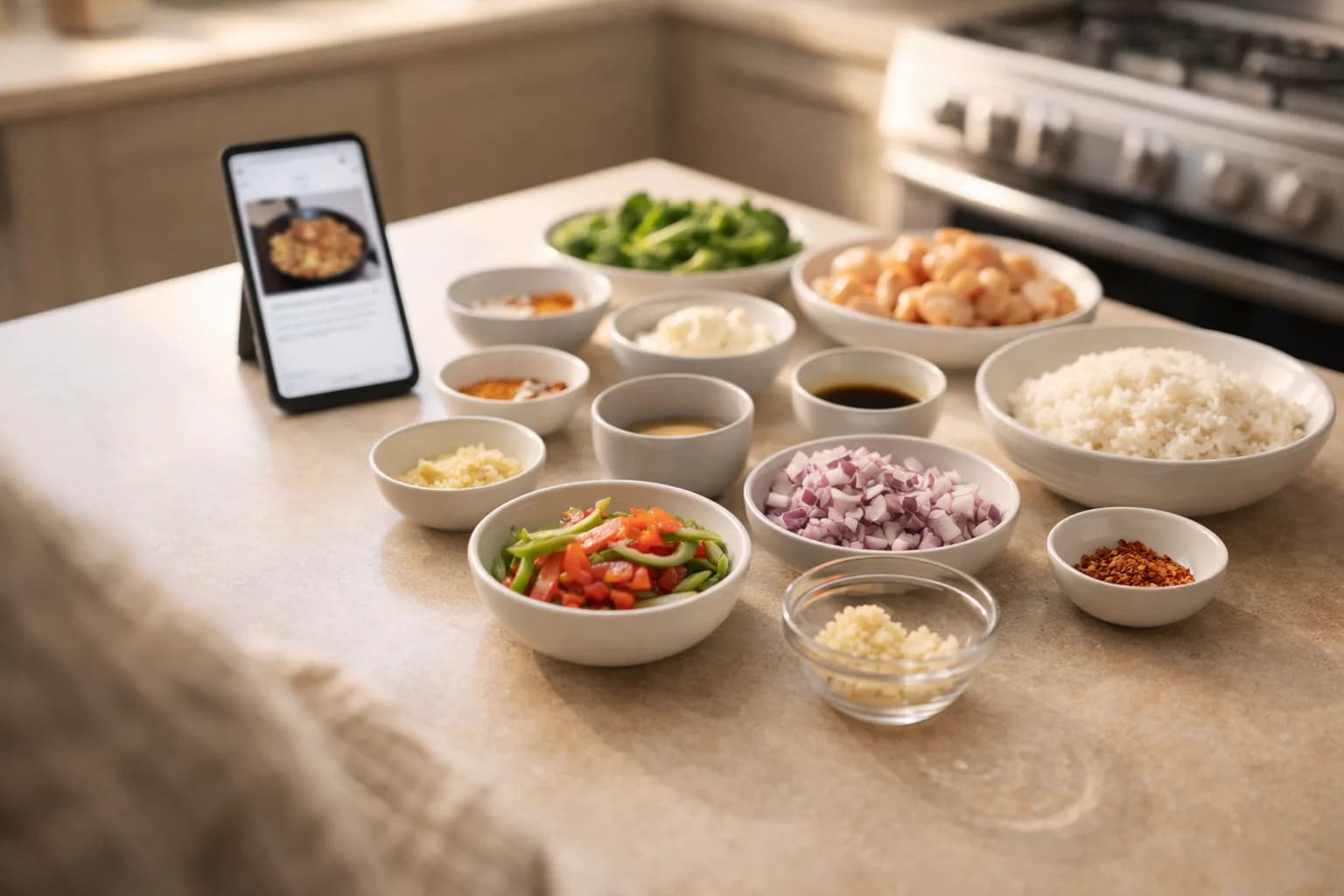
Follow Along, Dinner's Done
Step-by-step guided cook mode with built-in timers, serving scaling, and ingredient checklists. No guesswork — we walk you through every step.
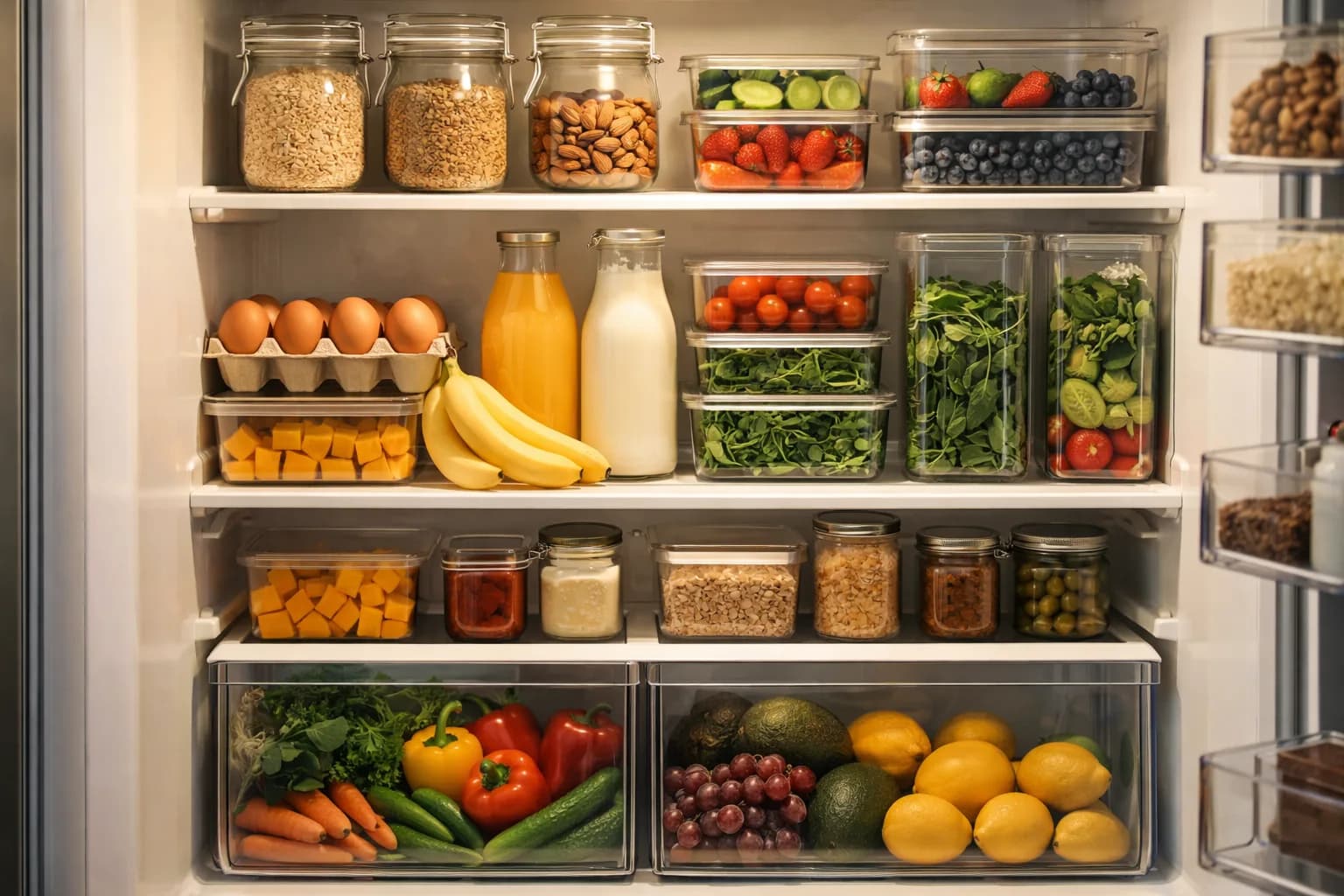
Your Kitchen Makes the List Smarter
Scan a receipt or snap a photo when you want tighter grocery gaps. ChefsPantry can subtract what you already have before the order is built.
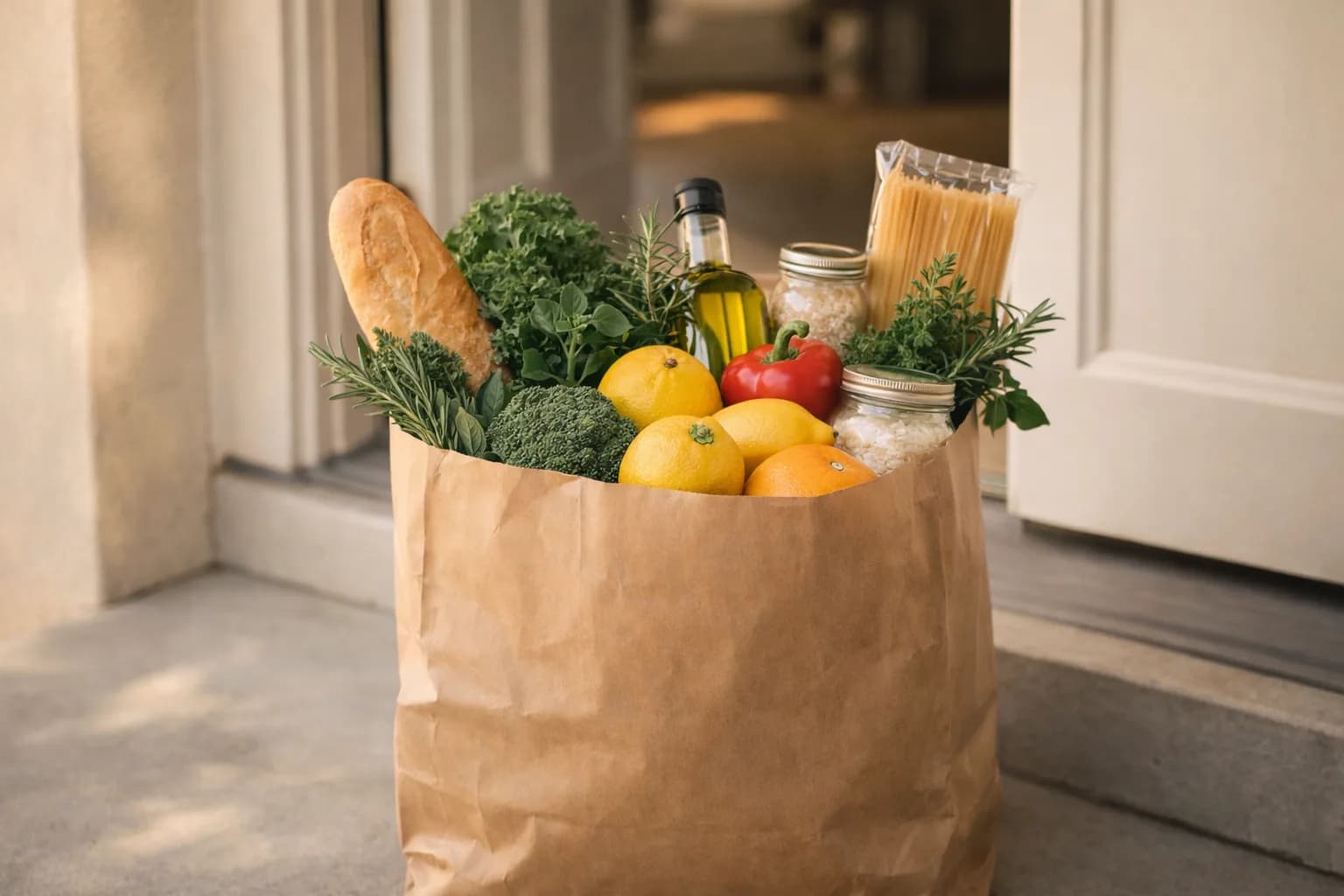
Grocery Shopping Gets Handled
The grocery list builds from the meals ChefsPantry selected, then moves toward your preferred pickup or delivery service for review.

Less Grocery Waste, Without Extra Thinking
When pantry tracking is turned on, expiring ingredients stay visible and can be worked into future dinner plans before they get forgotten.

One Plan, Everyone's Fed
One plan for the whole household. Scale portions for every member, assign cooking and shopping tasks across the family, and track activity together. Per-member dietary profiles are coming soon.

Your personal sous chef, built in
Every recipe comes with step-by-step guided cook mode. Built-in timers, serving adjustments, and ingredient checklists turn even weeknight cooking into something you actually enjoy.
- Step-by-step instructions with timers
- Adjust servings on the fly
- Mark ingredients as you go
- Rate meals and refine future suggestions
The details behind every automated plan.
Connect your grocery store, scan a receipt, snap a photo, or add items manually when you want tighter grocery gaps. ChefsPantry uses that kitchen context to choose dinners and build a cleaner order.
Pantry tracking supports the automation. It helps skip what you already have, work in food that should be used soon, and keep the grocery list practical.
- Receipt scanning & photo recognition
- Expiry alerts before food goes bad
- Grocery orders import automatically


Grandma's stuffing. Your favorite blog. The one you saved on TikTok.
Paste a recipe link or snap a photo of a printed card. ChefsPantry pulls in the ingredients, the steps, and even a finished-dish picture — no retyping, no copy-paste.
Your recipe lands right next to tonight's dinner, ready to schedule into your week. The shopping list updates around what you're missing. Every family recipe in one place.
- Import from any recipe URL
- Snap a photo of a cookbook or recipe card
- Ingredients, steps, and image — pulled in automatically
- Drop it straight into this week's plan
Common questions, answered
ChefsPantry chooses dinners for your household, builds the grocery list, and guides cooking. Preferences, budget, pantry context, recipe imports, and household tasks support that automation instead of making you plan from scratch.
Yes. ChefsPantry can generate a 1-week or 2-week dinner plan at onboarding or later, using dietary, allergy, dislike, budget, and schedule inputs. Safety checks and template fallbacks keep the plan usable, and you can swap meals before grocery checkout.
During onboarding (and in preferences later), you pick a plan length — 1 week or 2 weeks — and use the Meals per week slider to set anywhere from 1 to 15 dinners per week. Choosing 1 week at 7 meals gives you 7 dinners; choosing 2 weeks at 7 meals gives you 14 total. A live summary at the bottom of the step always shows your exact total so there are no surprises.
Budget tiers are starting points: Budget-friendly (~$75/week), Balanced (~$125/week), and Premium (~$200/week). These amounts are for your entire household — if you cook for 2 people the per-person cost is shown automatically. After onboarding you can fine-tune the exact dollar amount with a slider in Preferences.
Yes. In Preferences, you can tell ChefsPantry whether cost, speed, nutrition, or pantry use should matter most for your household. Adjust those settings any time and generate a new plan to see dinners move closer to how you actually cook.
Yes. Cook mode supports step-by-step instructions, embedded timers, session resume, voice commands (say “next step,” “repeat,” “set timer 5 minutes,” “pause timer,” or “resume timer”), serving-size scaling, and post-cook feedback. Completing a cook session auto-deducts matched pantry items and flags edge cases for manual review.
Yes. Upload pantry or fridge photos for AI-powered detection that uses your recent grocery purchases to improve accuracy. You can also scan receipts to import items, or sync delivered grocery orders to your pantry with one tap. The dashboard highlights expiring items, waste metrics, and leftover ideas.
Yes. Paste a recipe URL, review low-confidence ingredient lines, optionally generate beginner-friendly simplified steps, then save to Recipe Box and schedule the recipe directly into your meal plan.
The hard part is not cooking. It is deciding.
ChefsPantry is built around the constraints that make weeknight dinner fall apart.
The question is rarely whether you can cook. It is choosing something realistic, then turning it into groceries, when the day already ran long.
A useful plan does not stop at recipe ideas. The missing items need to become a pickup or delivery path without another planning session.
Dinner still needs a clear next step: what to cook, what is missing, and how to get it on the table without starting over.



Built so we could cook
in peace
I'm Johnny — a veteran, and after 20 years in tech, automating tedious work is literally what I do for a living.
Dinner in our house is a team effort. We both cook, we both plan, we both end up at the store. The part neither of us enjoys — the part nobody enjoys — is everything around the cooking: figuring out what to make, building the list, dragging to the store, remembering we already had paprika, watching produce die in the back of the fridge.
So I asked the obvious question: why is meal selection and grocery shopping — the most repeated household operation we do — still happening manually? I built ChefsPantry to choose the dinners, build the list, and handle the grocery order. Now we just cook.
Simple, honest pricing
Start free for 30 days. No credit card required.
Monthly
$8.99/mo
Full access to automated dinner selection, grocery list, pantry tracking, and guided cooking.
Start Free TrialWorks with leading retailers · availability varies by location

Tomorrow at 5:47,
dinner is already decided.
Two minutes of questions, then real dinners and the grocery list — before any account. Don't like it? Close the tab.
Show me my dinners